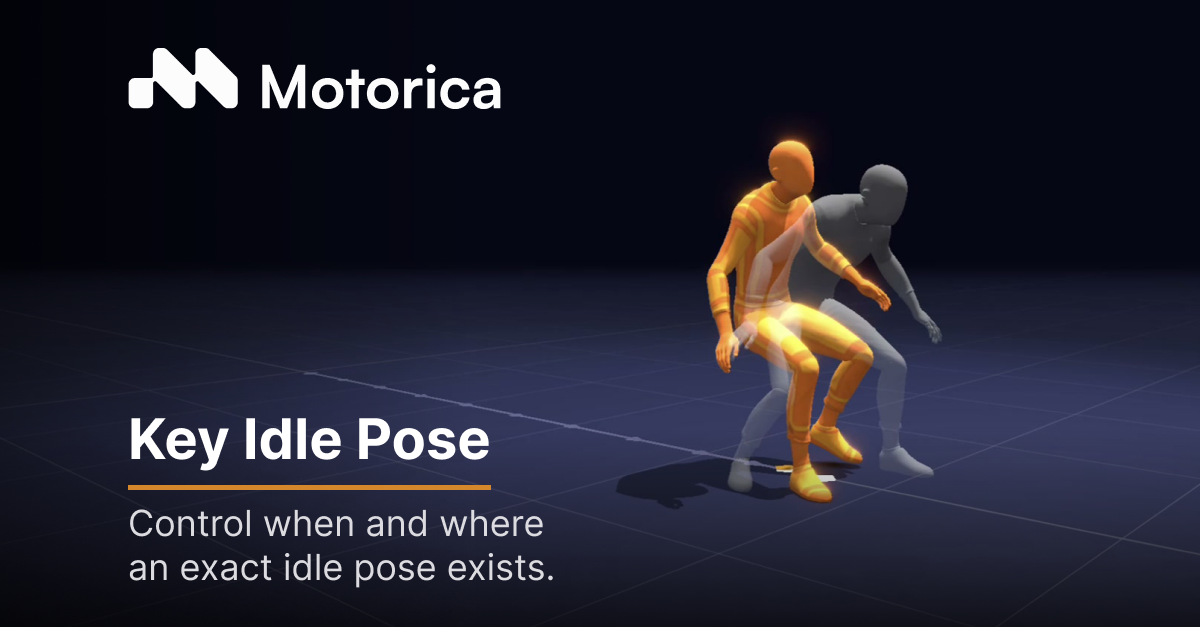
Key Idle Pose (KIP) is a Motion Stage feature that lets you control when and where an exact idle pose exists in the idle section of a generated animation. If a clip walks into a stop, you decide the pose that stop lands on, and Motorica holds it.
An idle pose is how a character reads at rest. It is one of the strongest things defining that character in game animation. When the start, the stop, and the loop do not share the same pose, Motion Matching cannot treat those clips as a clean set. You pay for it in cleanup, then again when the idle changes late and the set has to be rebuilt.
Key Idle Pose exists so you can set that pose once and get a consistent idle across the relevant animations Motorica generates. Watch the Short (same cut as the LinkedIn story), then read the workflow below.
How the workflow works
Key Idle Pose lives in Motion Stage. You need an idle present in the motion (a walk into a stop is the usual case).
- Open Motion Stage and create an idle motion. One way: in the Motion tab, set the speed of the second half to zero so the character comes to rest.
- In the Styles menu, toggle on Key Idle Pose in the side panel. Pose options appear once it is on.
- Create the idle pose from a Motorica style. Check it in the preview viewer before you generate.
- Click Animate. When it finishes, the idle pose appears as a ghost in the 3D scene and an orange marker appears on the timeline. When the playhead reaches that marker, the animation converges on the idle pose.
- Click Export. The selected Key Idle Pose is guaranteed in the idle segment.
Step-by-step with screenshots: Generate an animation with a specific guaranteed idle pose.
What you control
Once Key Idle Pose is on, you are not hoping the generator lands somewhere close. You are directing the idle.
- Blend in / blend out: when (in frames) the animation transitions into and out of the key pose inside the idle segment.
- Settling time: how soon after the root bone goes idle the animation should try to hit the pose. When in the idle sequence the pose appears.
- Adherence: how much the idle animation is influenced by the pose. Higher adherence, closer to the pose. Lower adherence, less guarantee of what the idle looks like.
- Blend pose mask: which parts of the body the pose affects during the animation.
Every control is documented here: Key Idle Pose technical reference. Concept overview: What Key Idle Pose is.
Key Idle Pose is in Motion Stage (beta). The target is Motion Factory with custom pose support. This post is about the Motion Stage workflow that is live in docs today.
In a living world
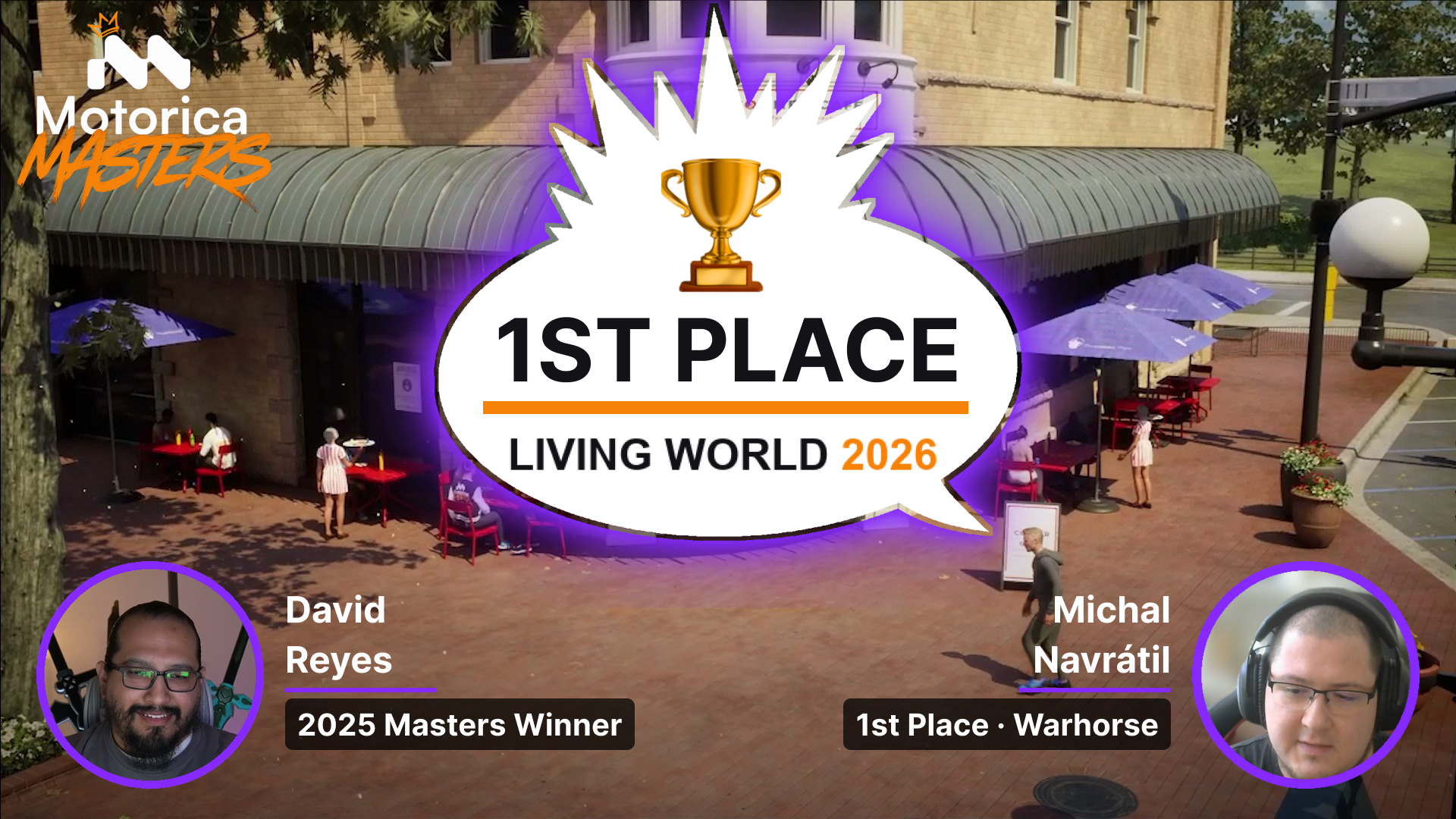
Michal Navrátil used Key Idle Pose while building a city in Unreal. He needed a lot of blending from the walk to the style: a waitress who settles at her table the same way every time, a police officer whose stop reads from across the street. He could see the difference without it and with it.
“I used the new Key Idle Pose feature that works amazingly. Easy to use, and it worked like a charm for me.”
“The waitress and the police needed a lot of blending from the walk to the style. I could see the difference without it and with it.”
Michal Navrátil
Recommended reading